Blog templates for every kind of blog
The layouts Khalid can give your blog, who each one suits, and a live demo of each in your own colours and fonts.
Eleven looks, each with a live demo
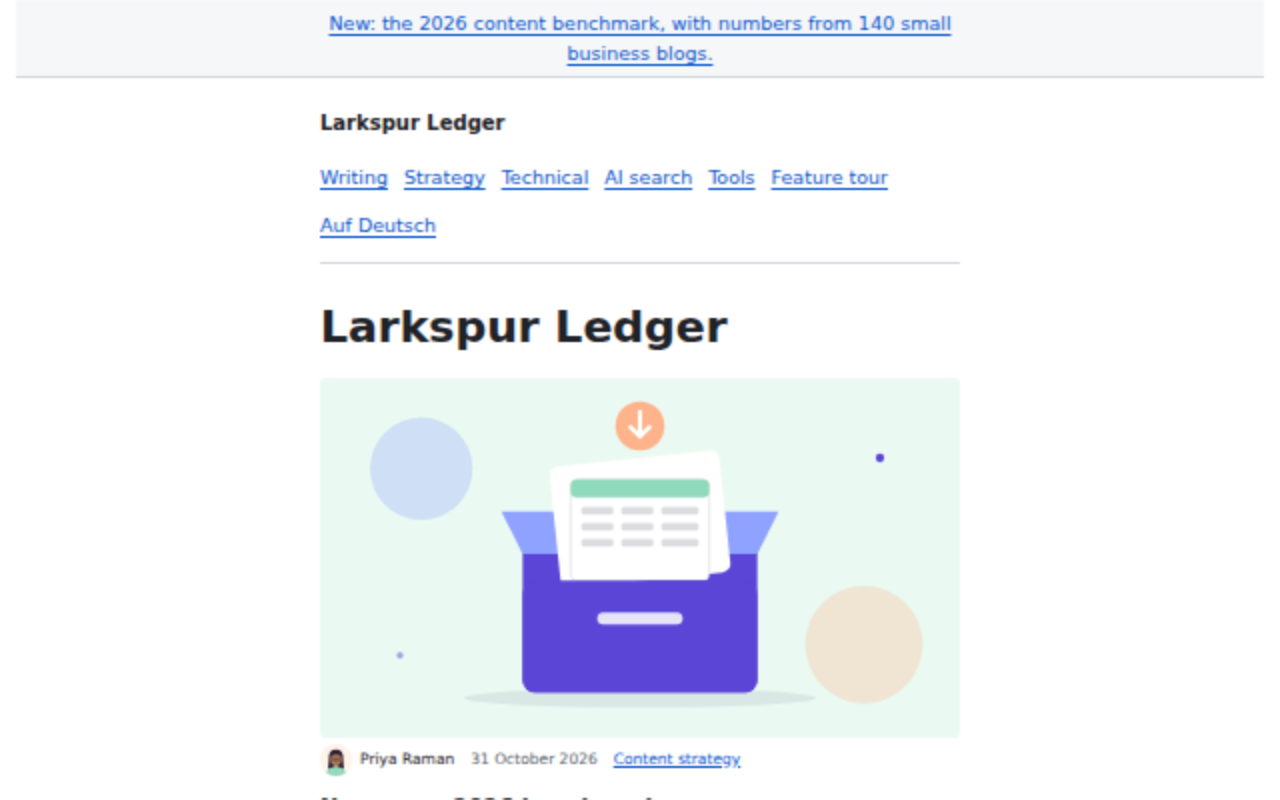
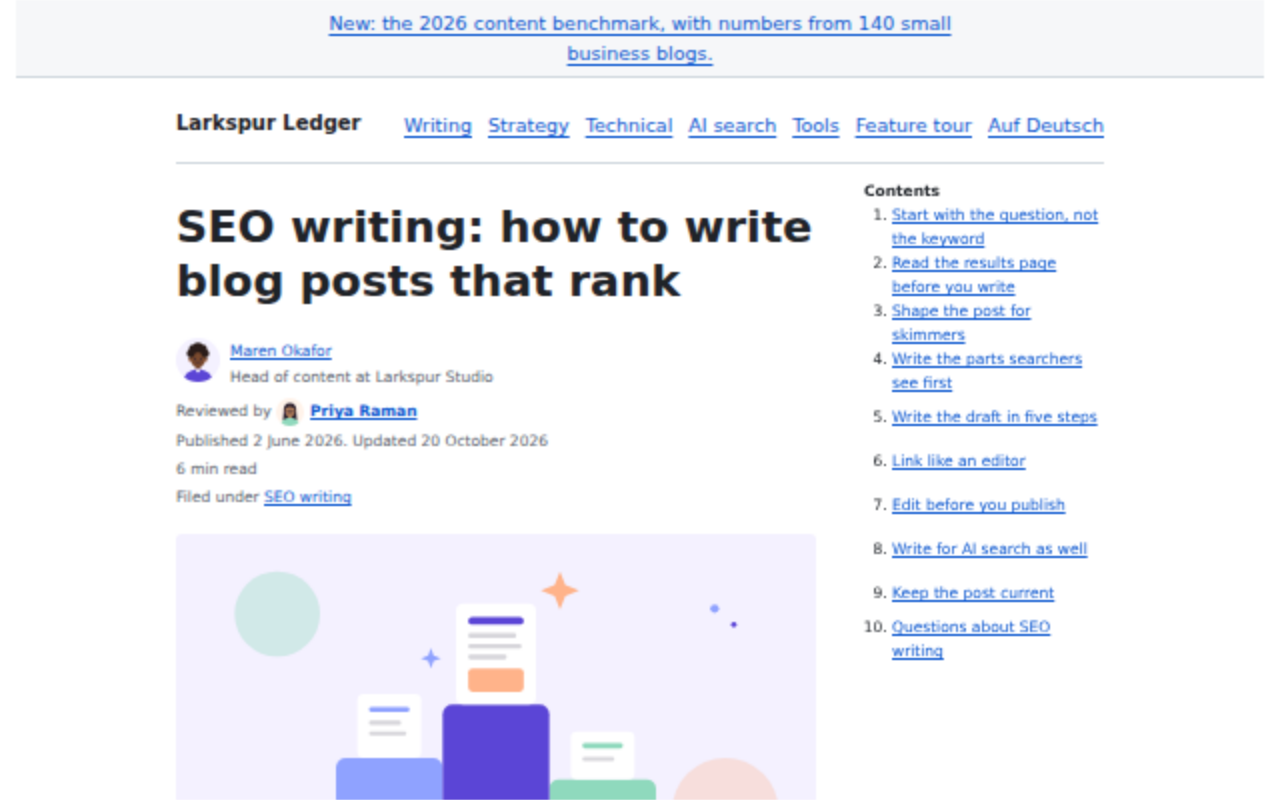
Classic
The look every Khalid blog starts with: a clean list of posts, a contents list beside long posts, and author boxes.
Suits any blog that wants to start writing today.
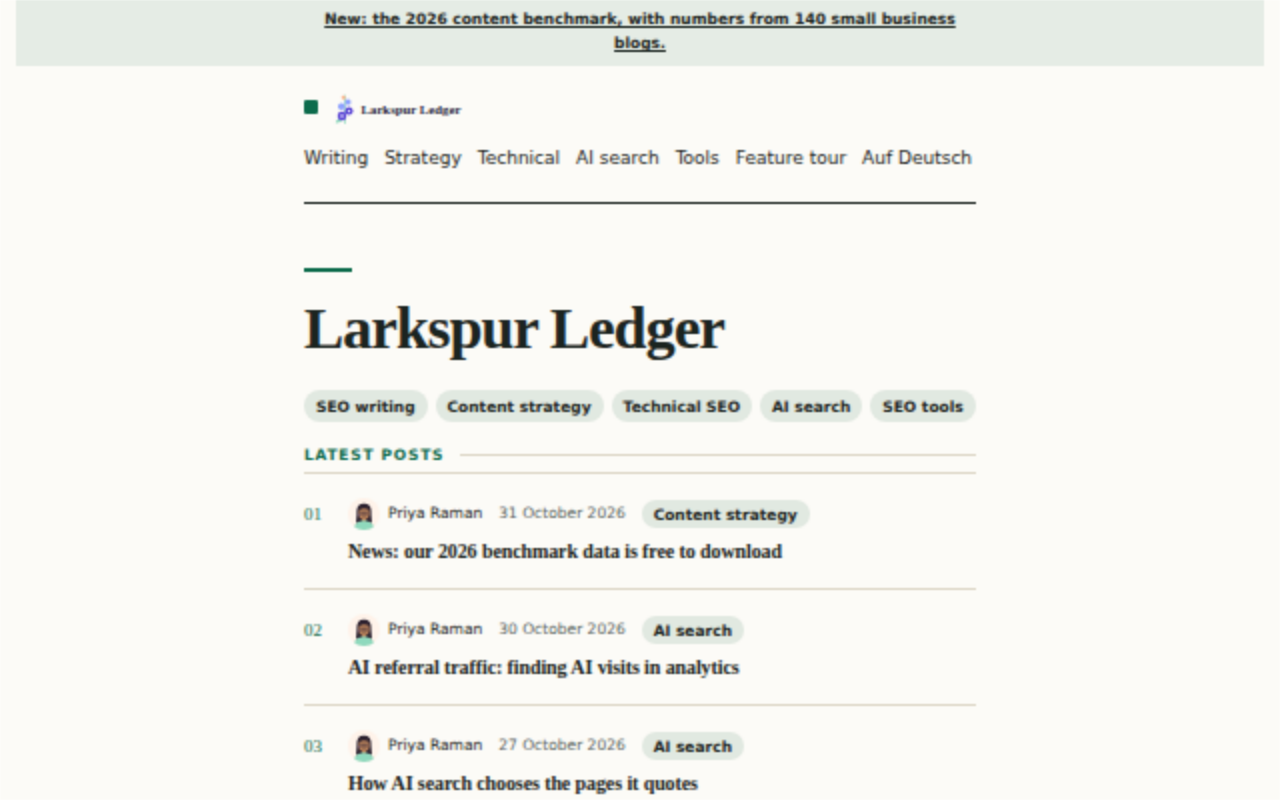
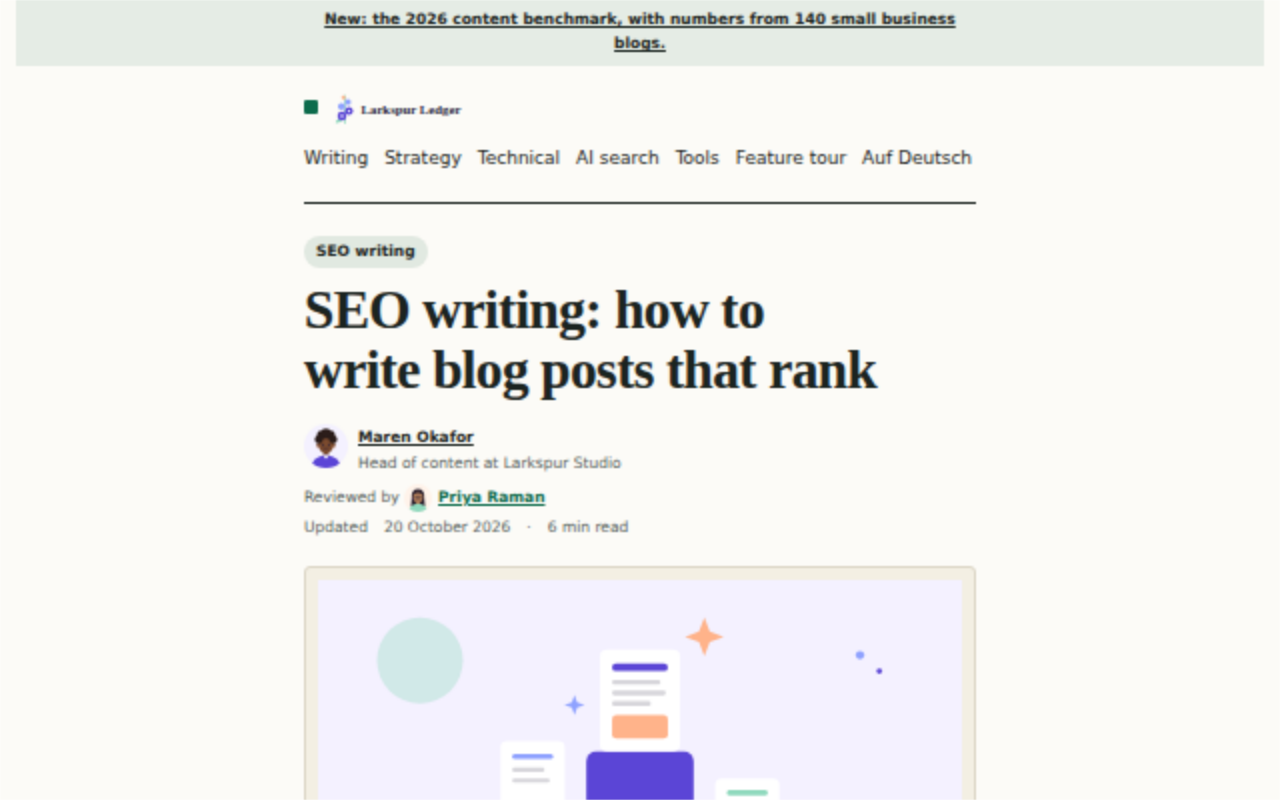
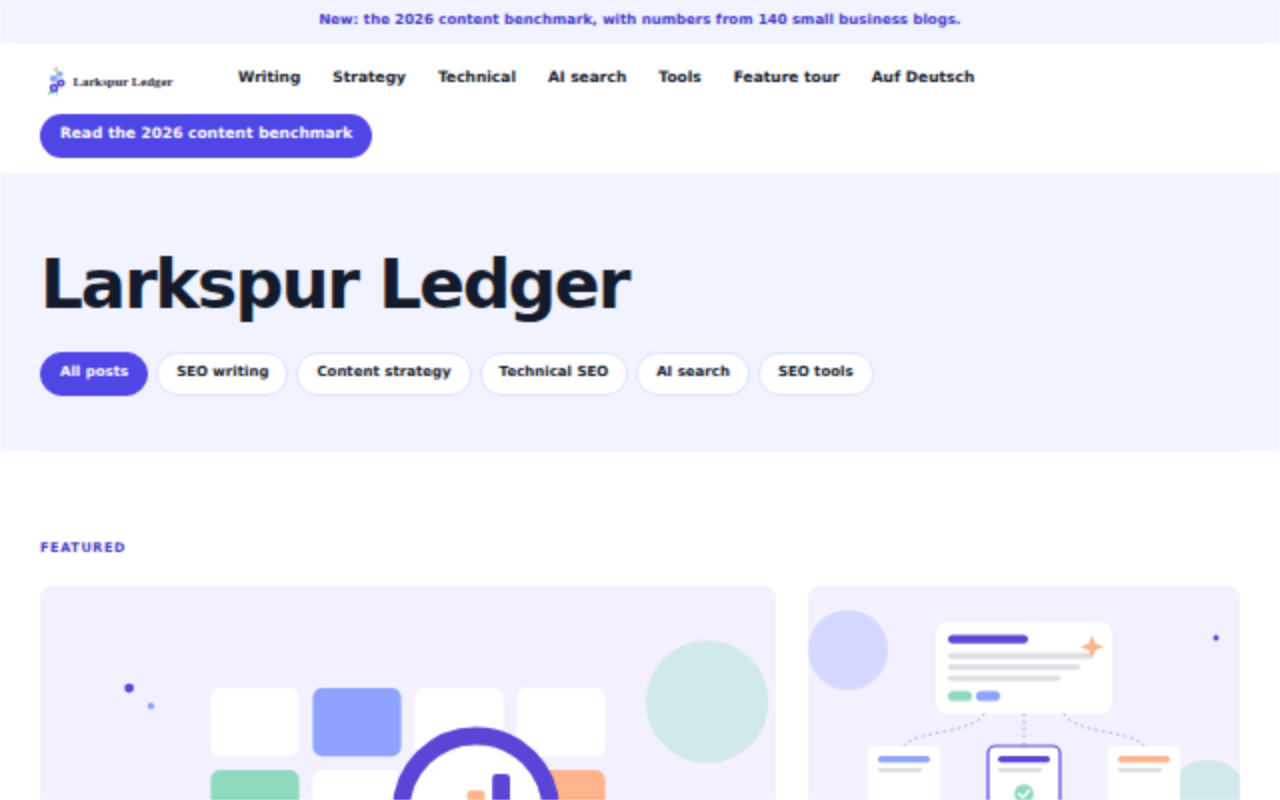
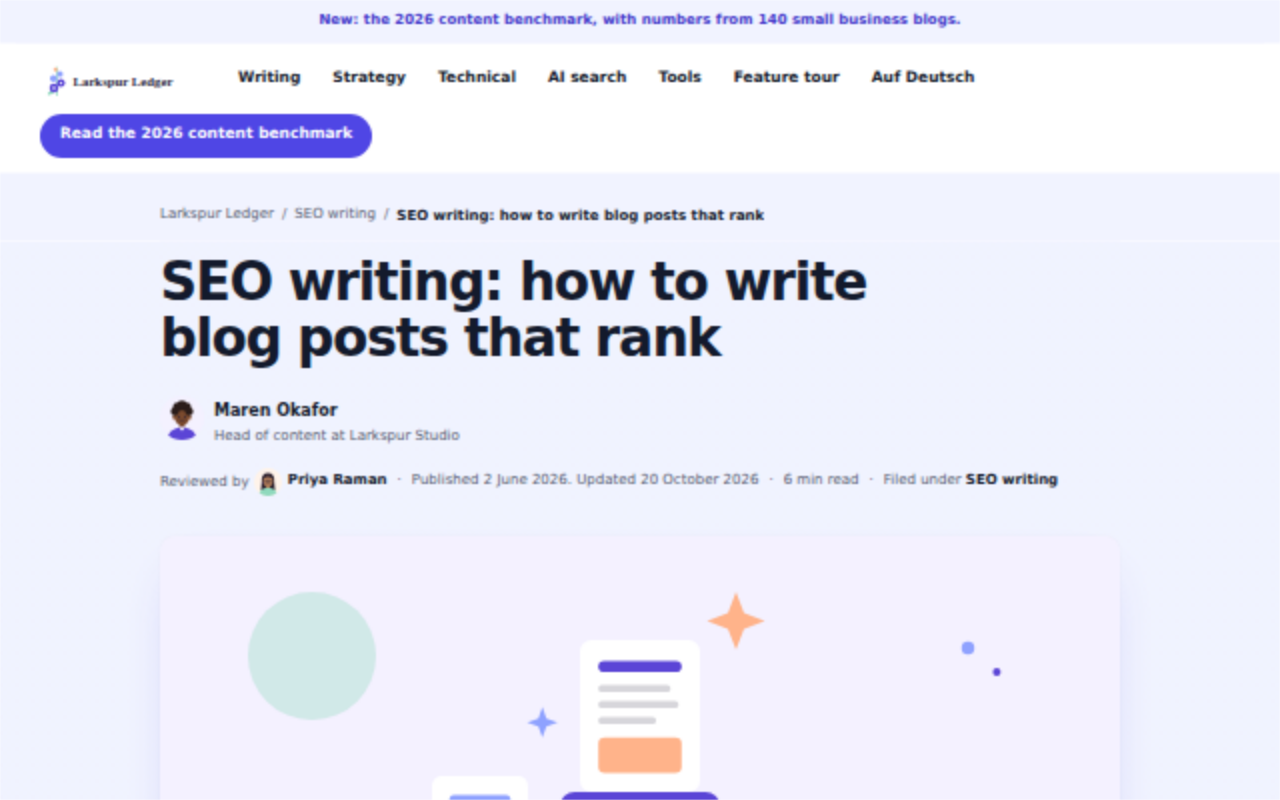
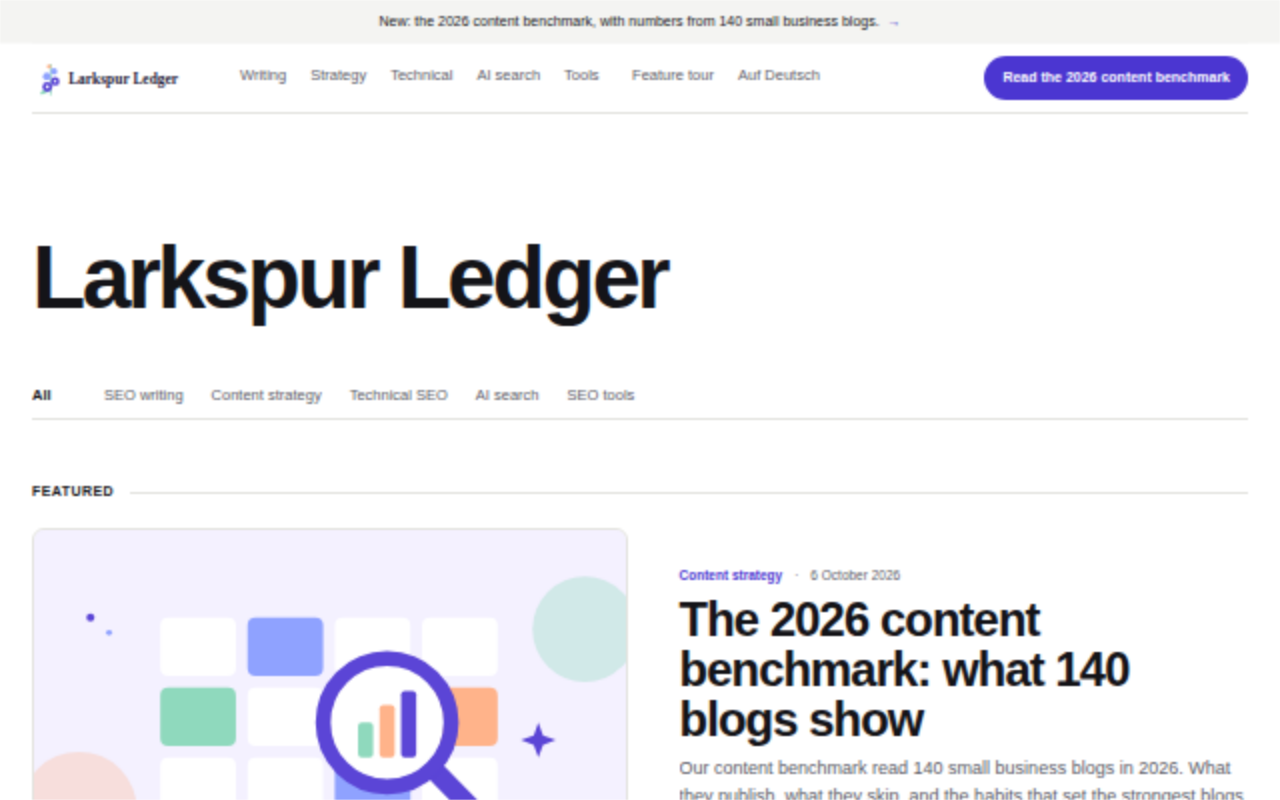
Ledger
A knowledge blog led by data, with no pictures in its lists.
Suits teams that publish studies and long how-to guides.
Atlas
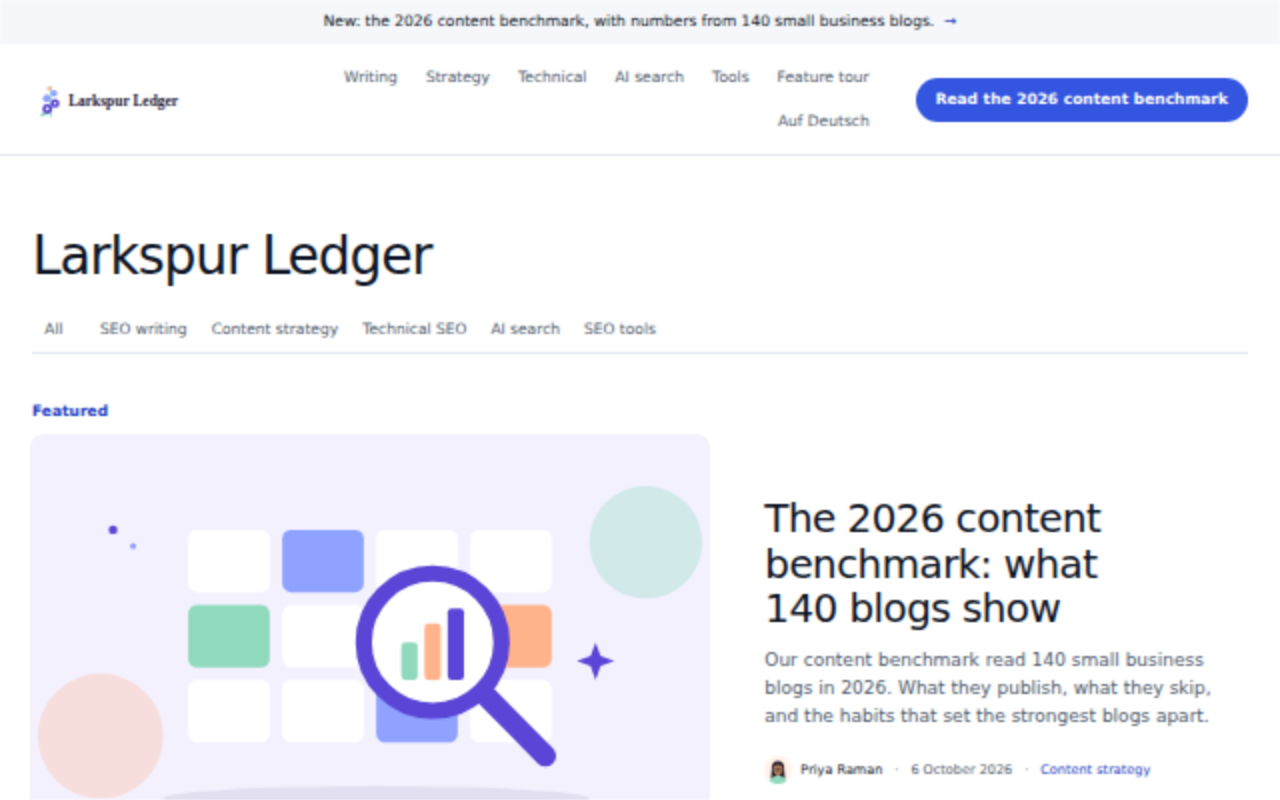
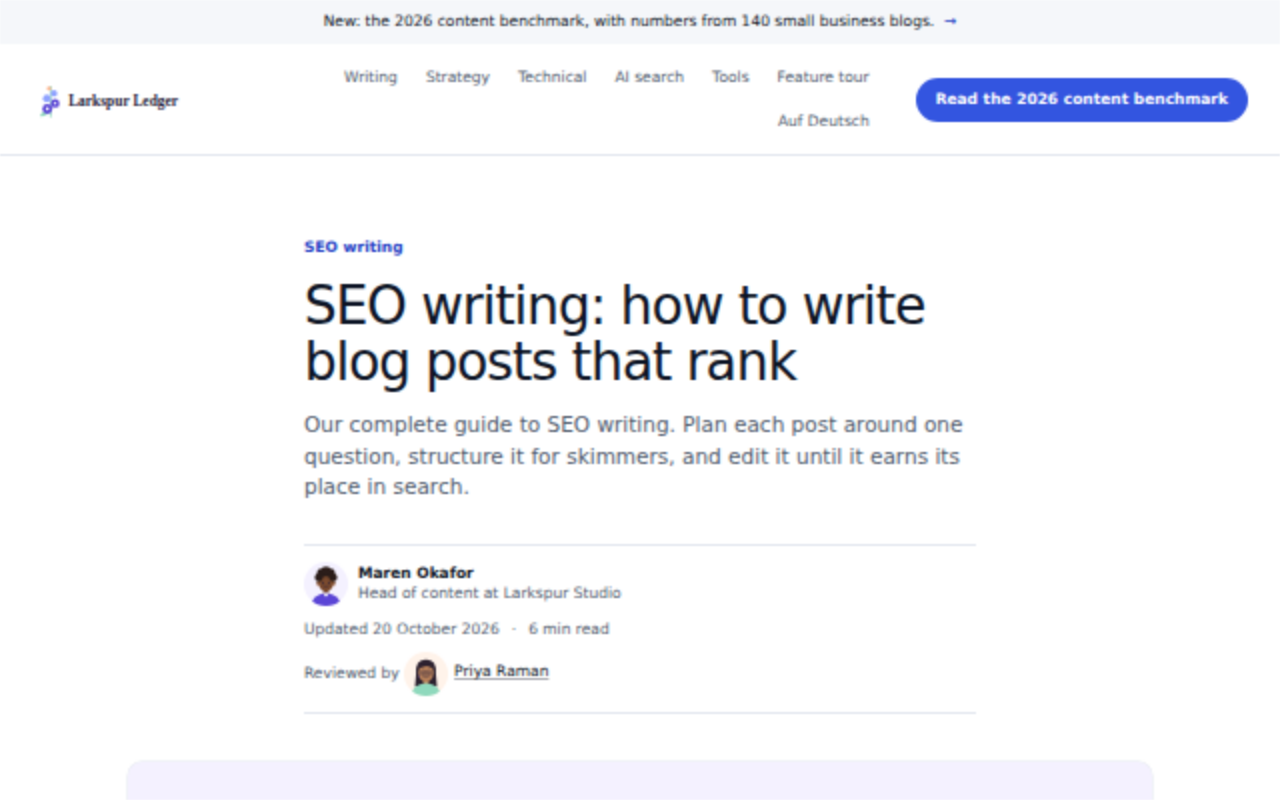
A large portal with many categories, breadcrumbs, a category bar and editor's picks.
Suits a blog with hundreds of posts across many topics.
Keystone
A calm product or company blog with a lead story, a grid of framed pictures and a quiet reading column.
Suits a software company, studio or agency with several writers.
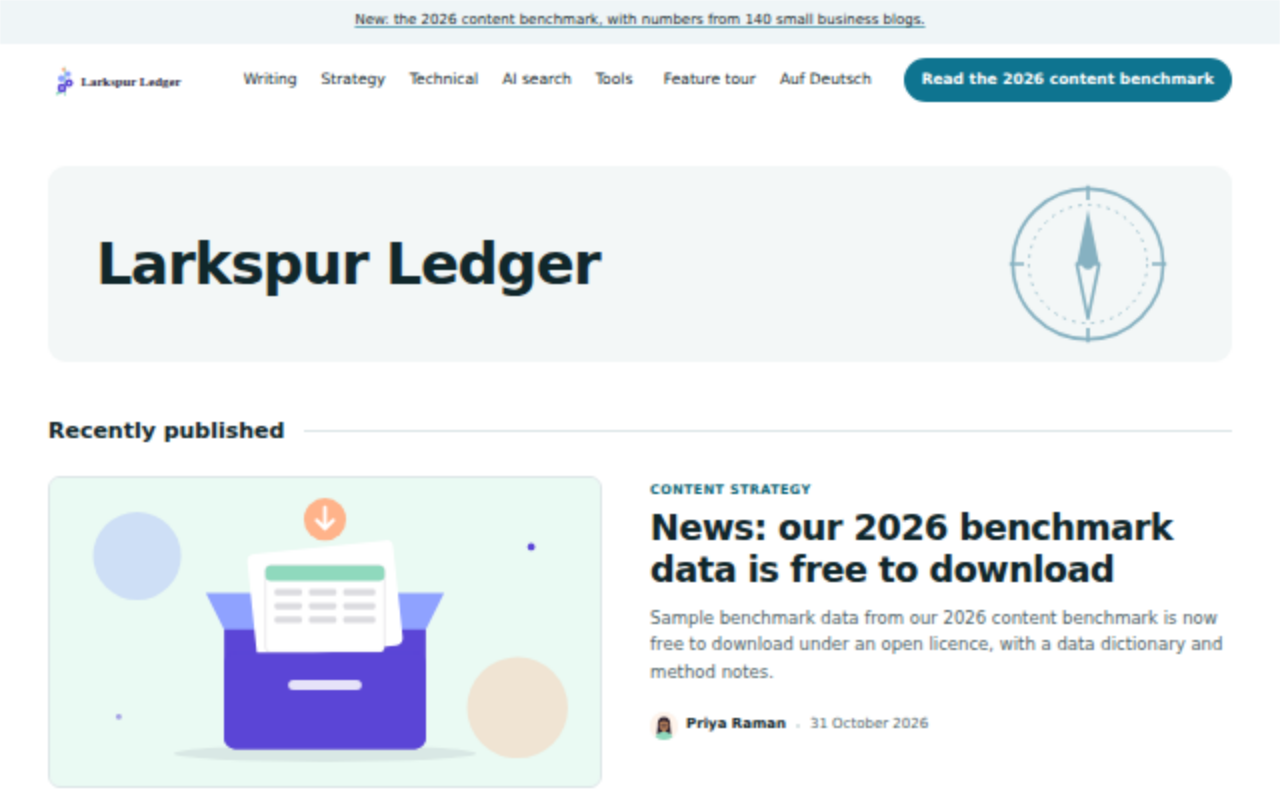
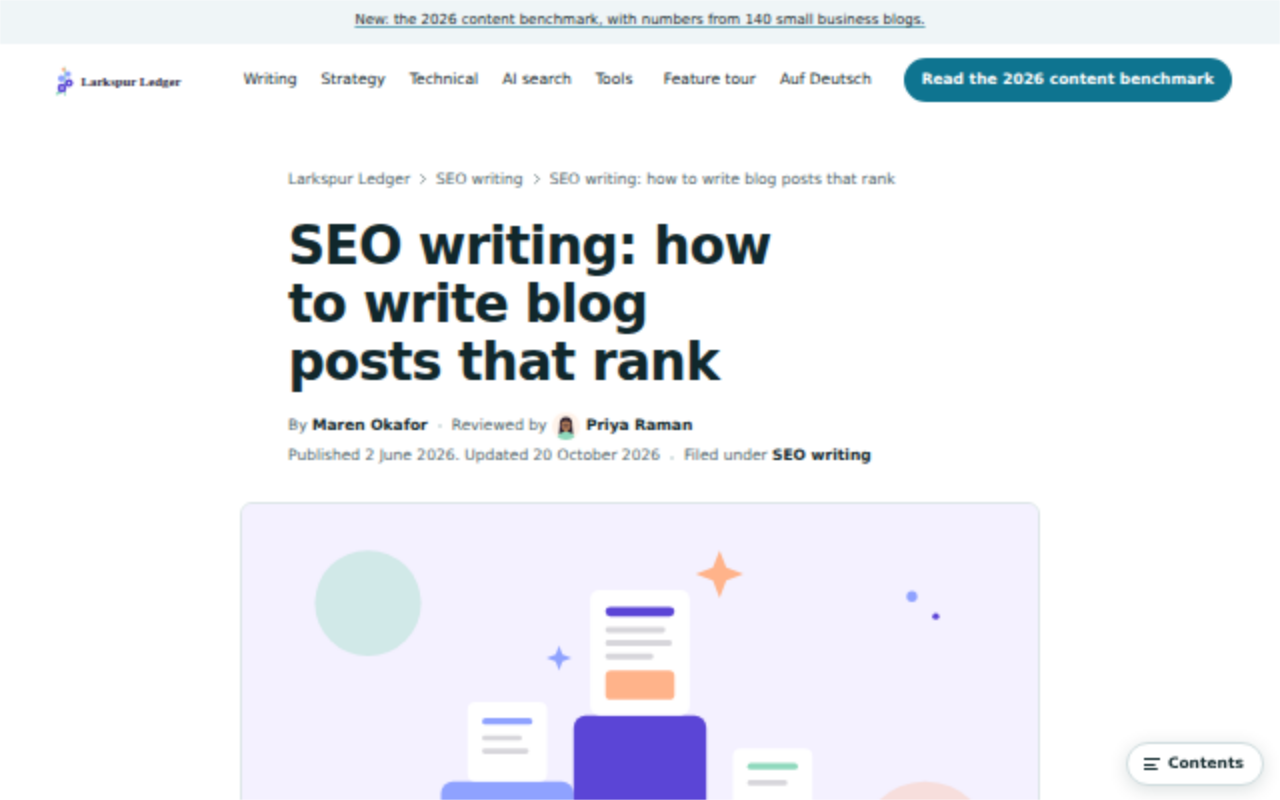
Compass
A teaching blog where every guide opens with its key points.
Suits a business that explains how to do things, step by step.
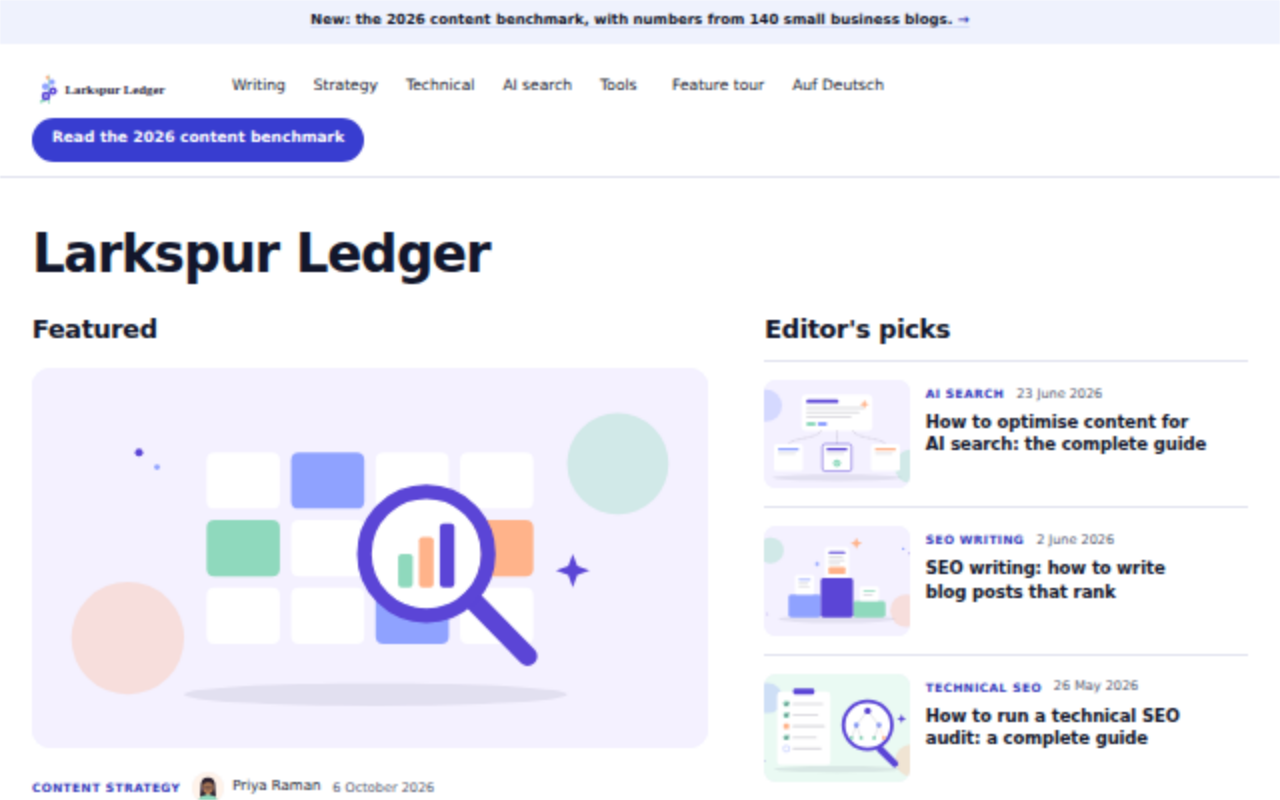
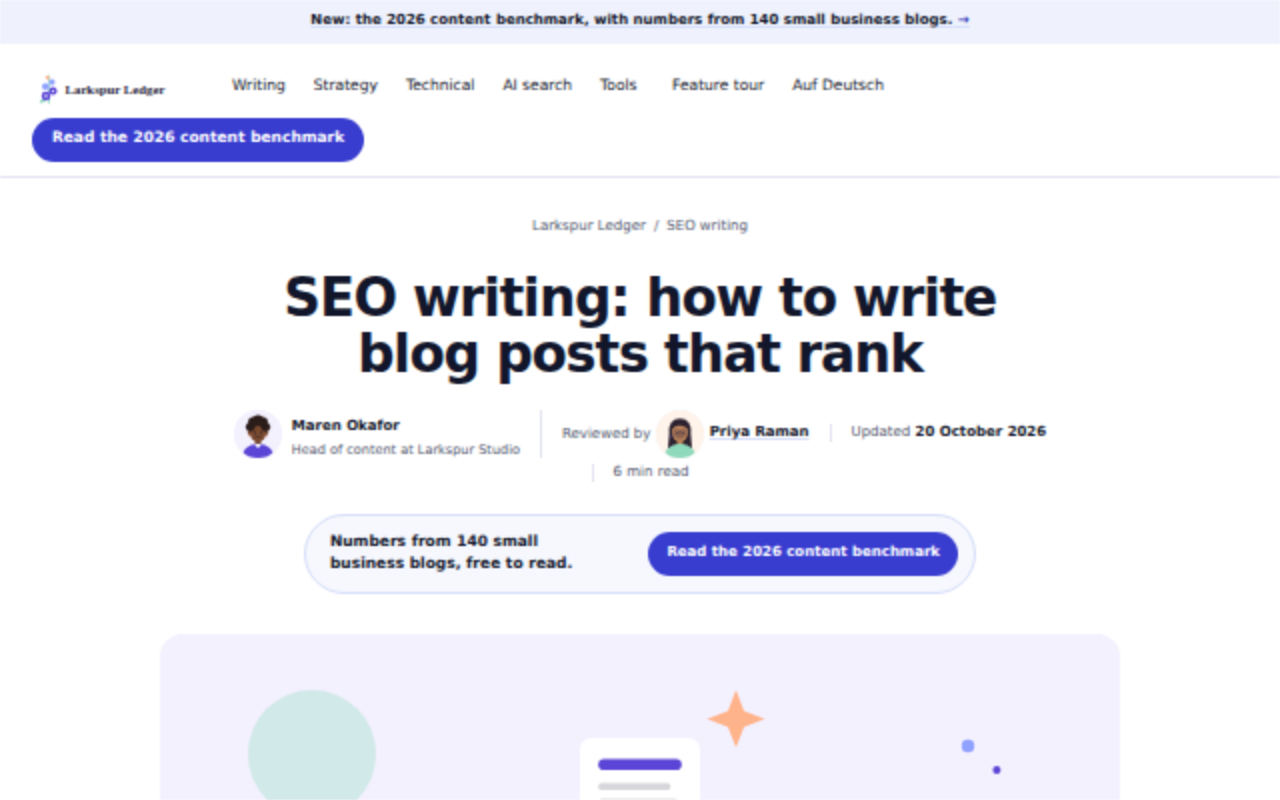
Harbor
A busy blog with downloadable offers inside posts and a scrolling row of related posts.
Suits a marketing team that turns readers into leads.
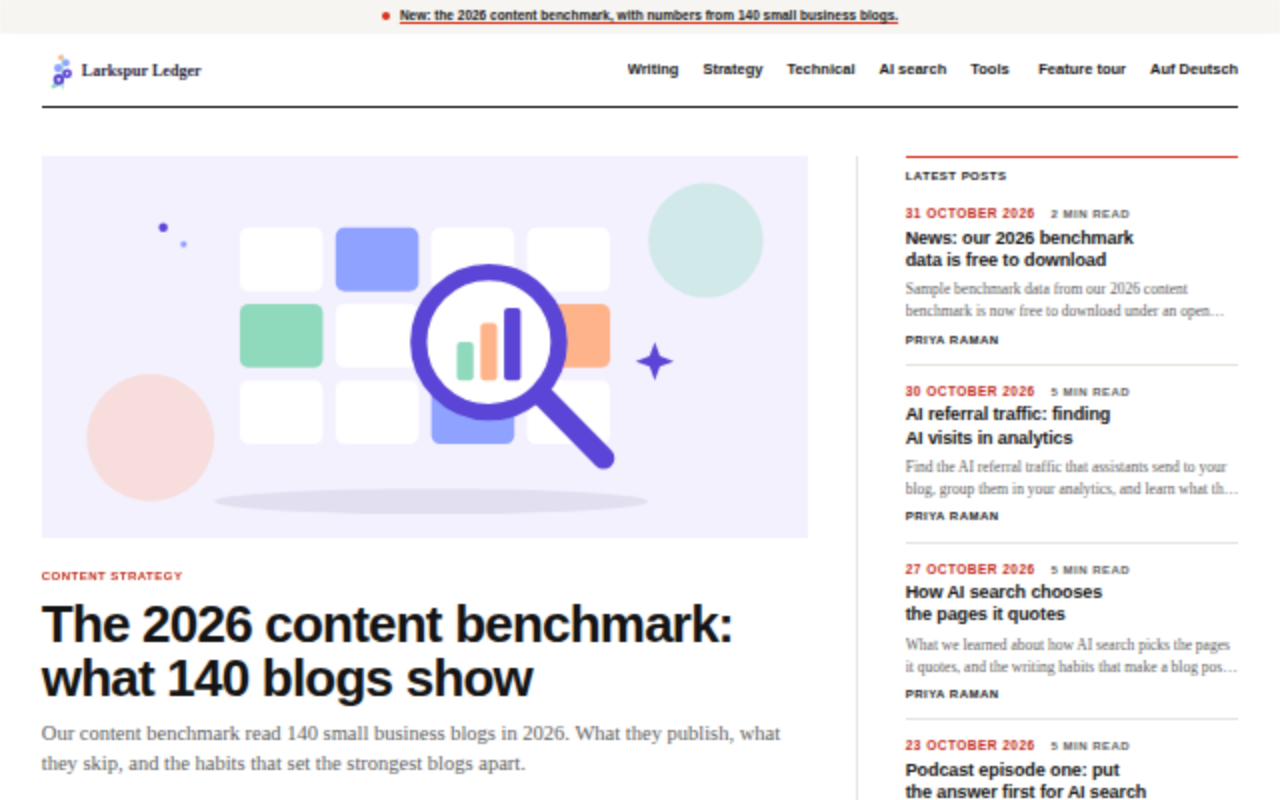
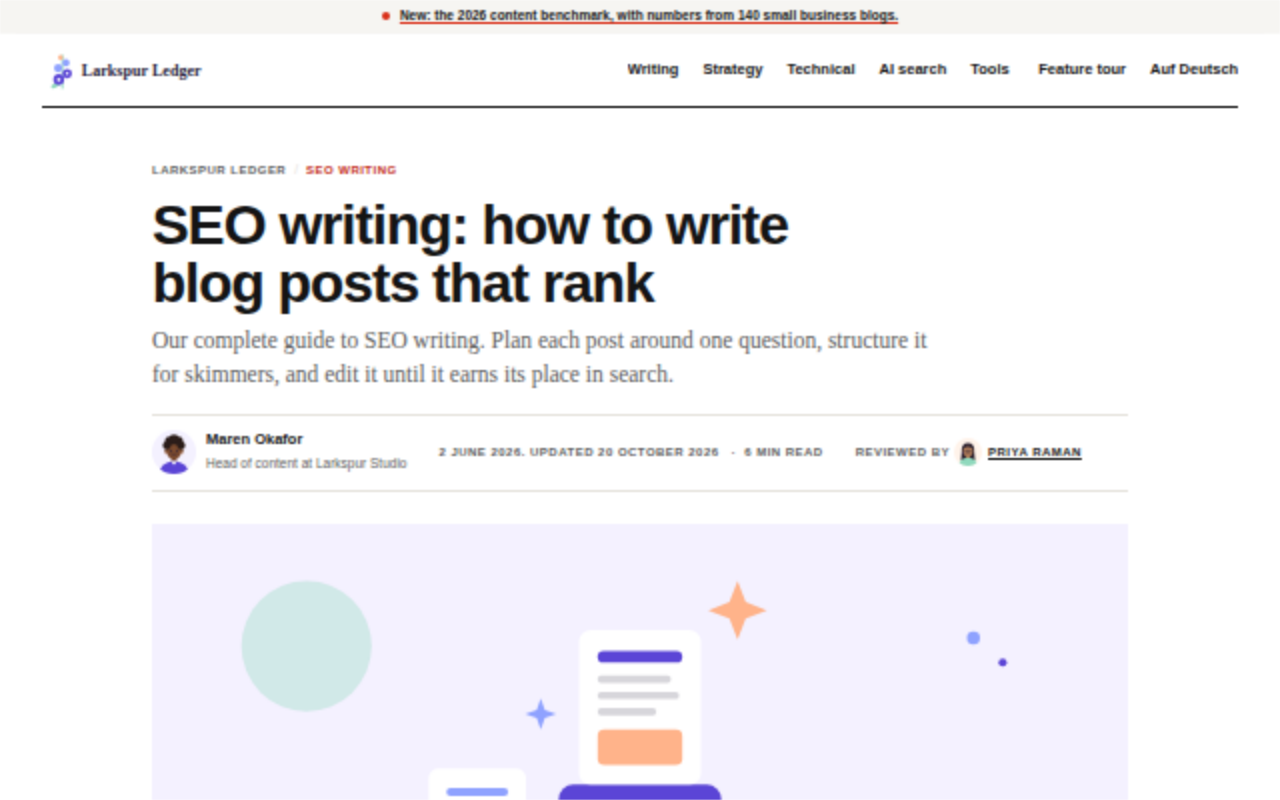
Wire
A news and columns site with a lead story, a ranked list of popular posts and a fast feed.
Suits a publication that posts often.
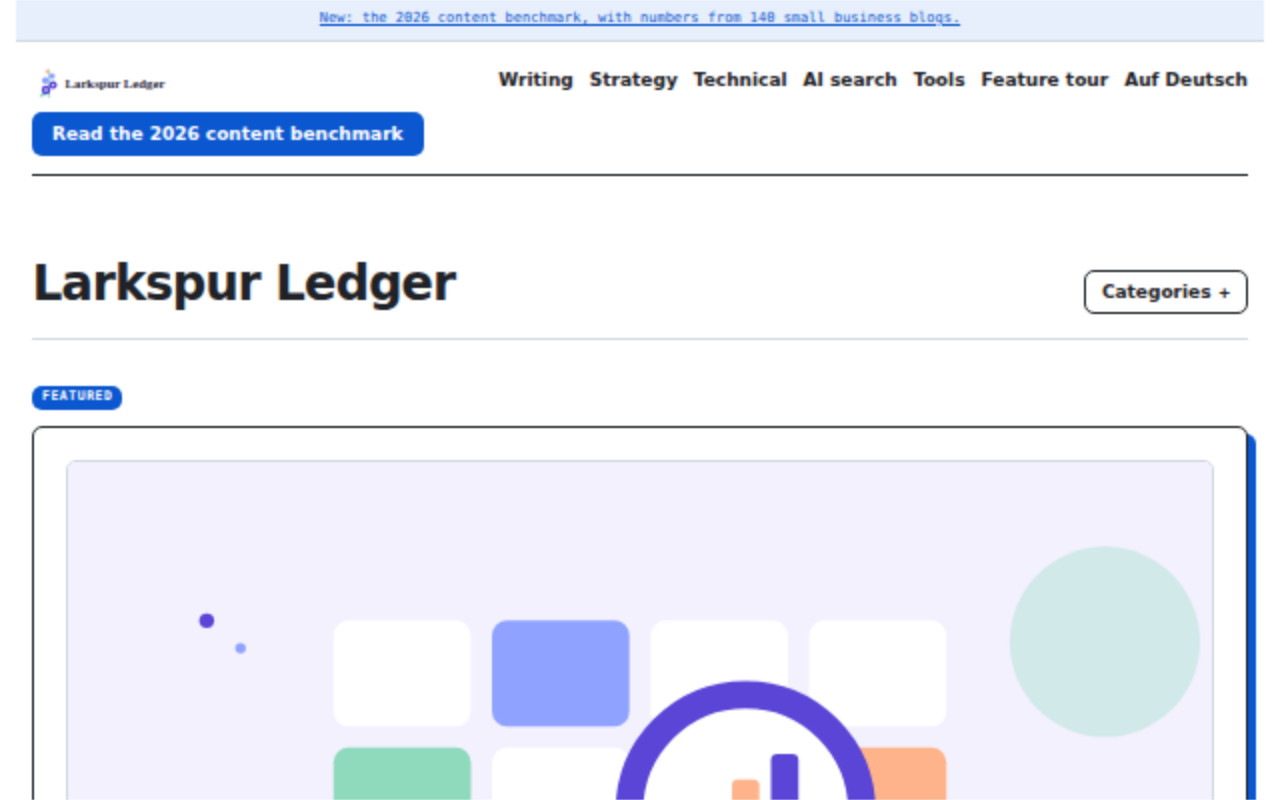
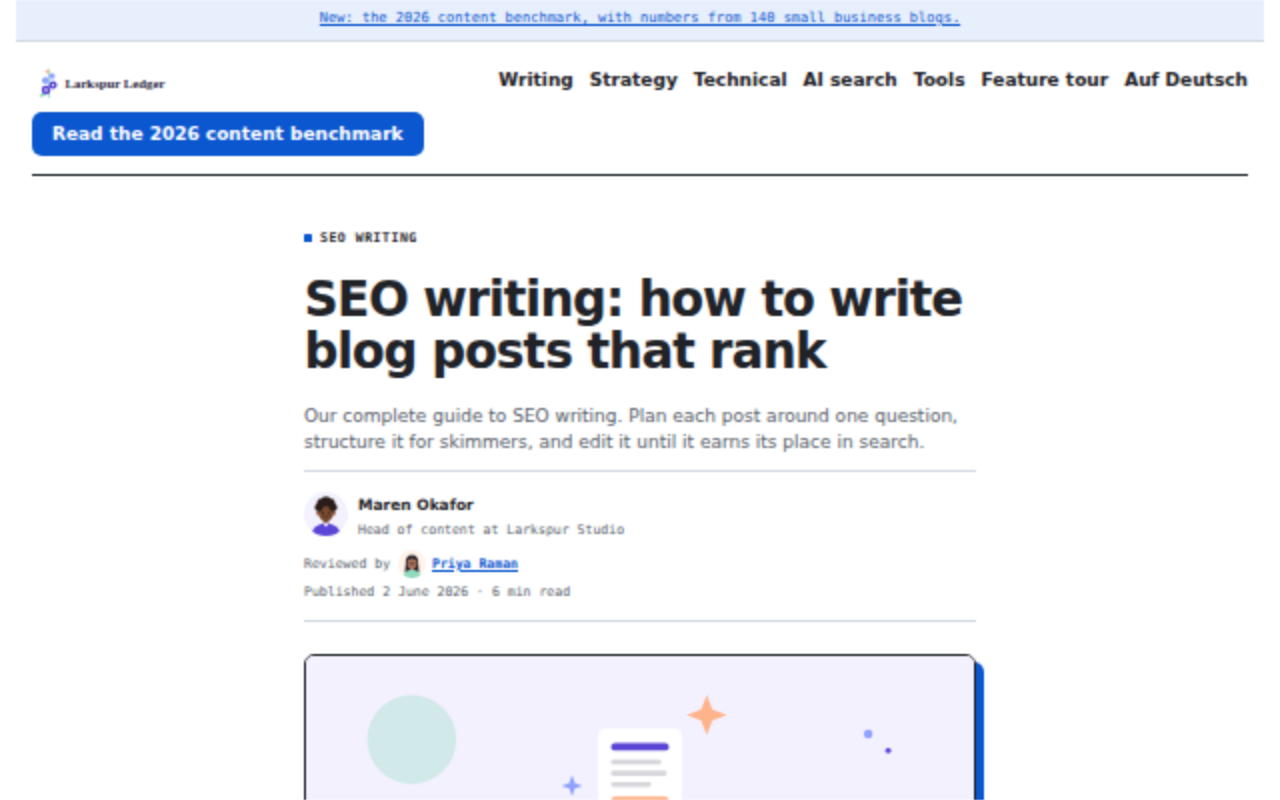
Workbench
A tools and comparisons blog with an at-a-glance table, a review of each tool and pros and cons.
Suits anyone who compares products for readers.
Almanac
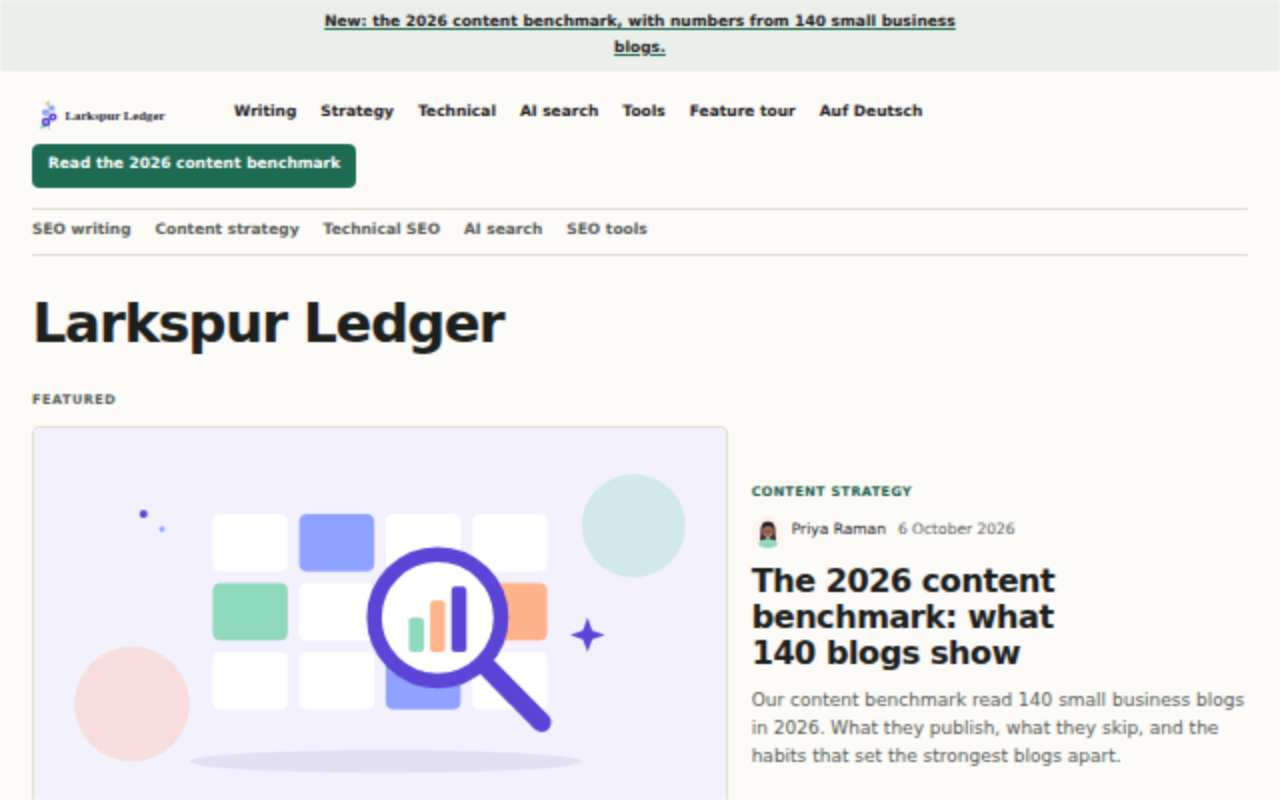
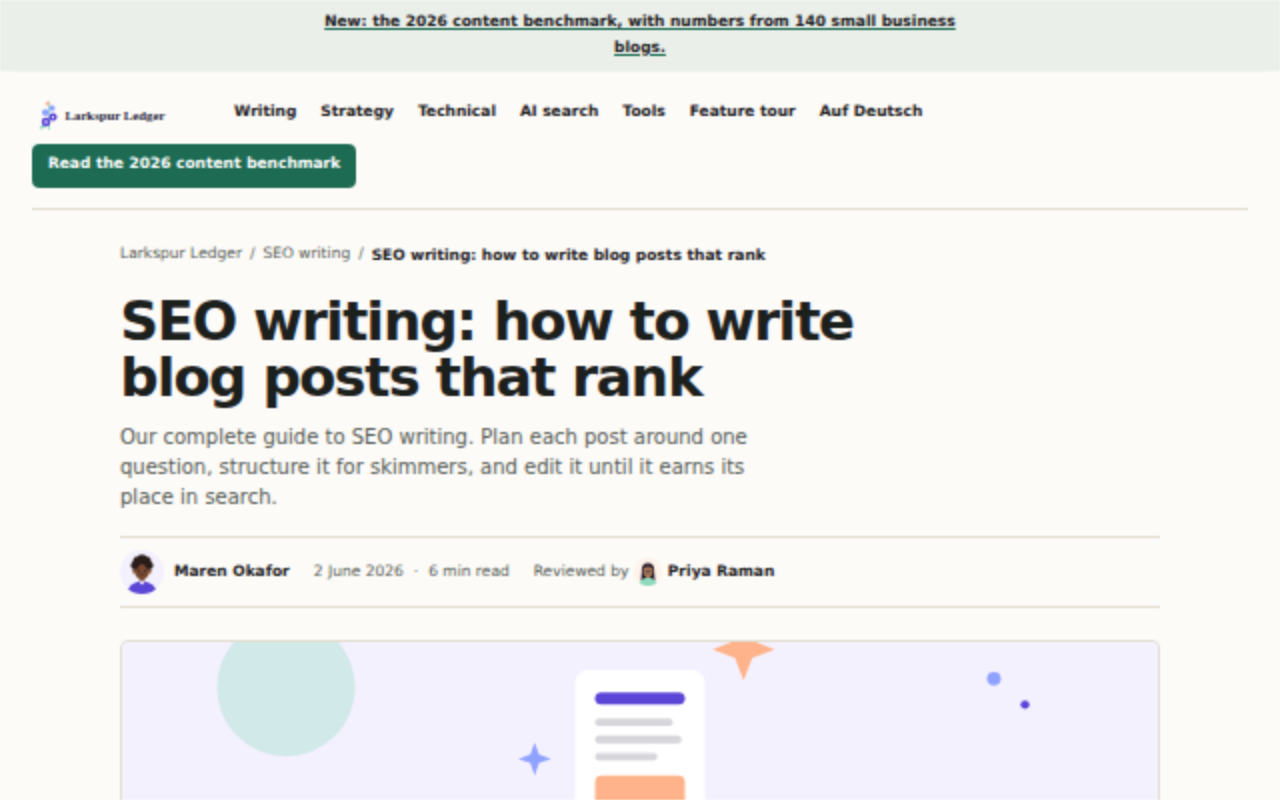
A resource library of long list guides, each with an "On this page" box and many related links.
Suits a shop or platform that teaches its customers.
Meridian
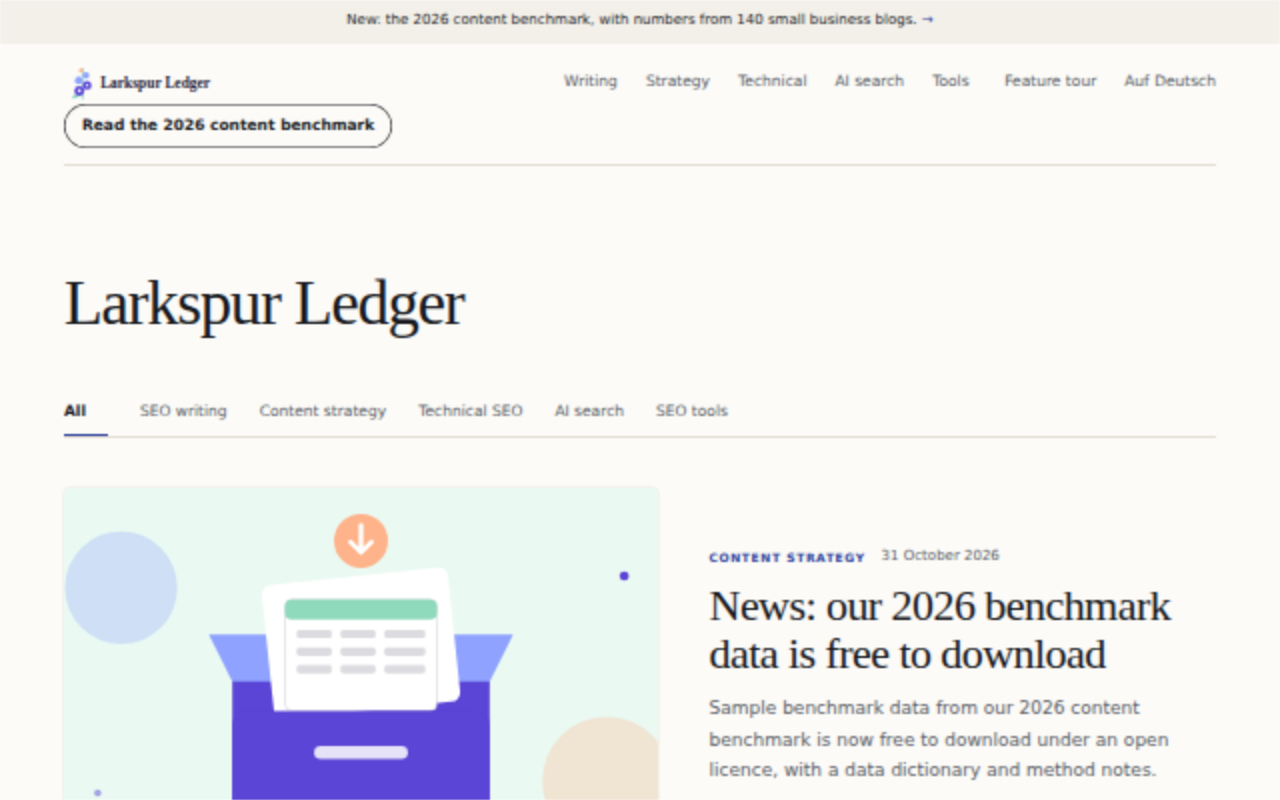
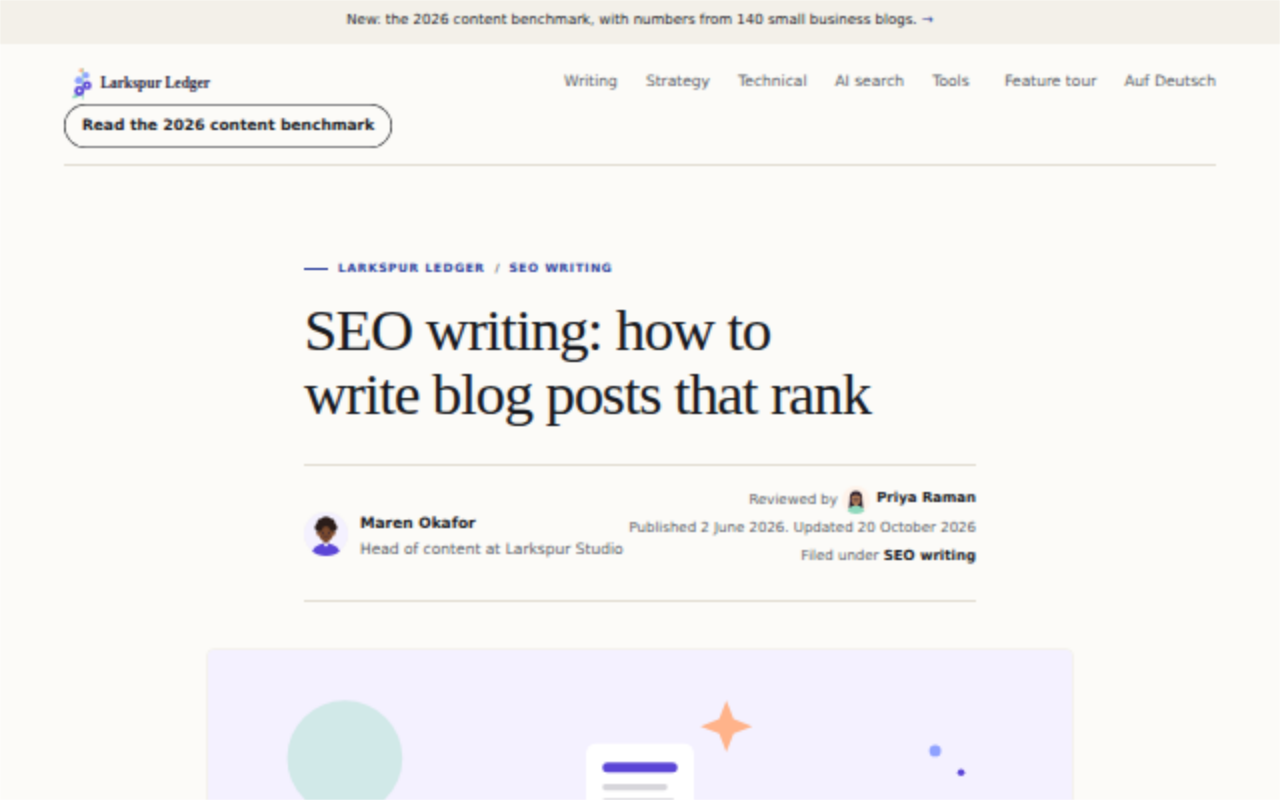
A calm company journal, with a second layout for long reference pages.
Suits a company that writes thoughtful posts and evergreen explainers.
Folio
A product team's essays and engineering notes under its own masthead.
Suits a team that writes about how it builds.
What a template changes
A template sets the layout of your blog: where the contents list sits, which cards the home page shows, and how big the text is. Your colours, fonts and logo still come from your own website through theme sync, so every template looks like your brand.
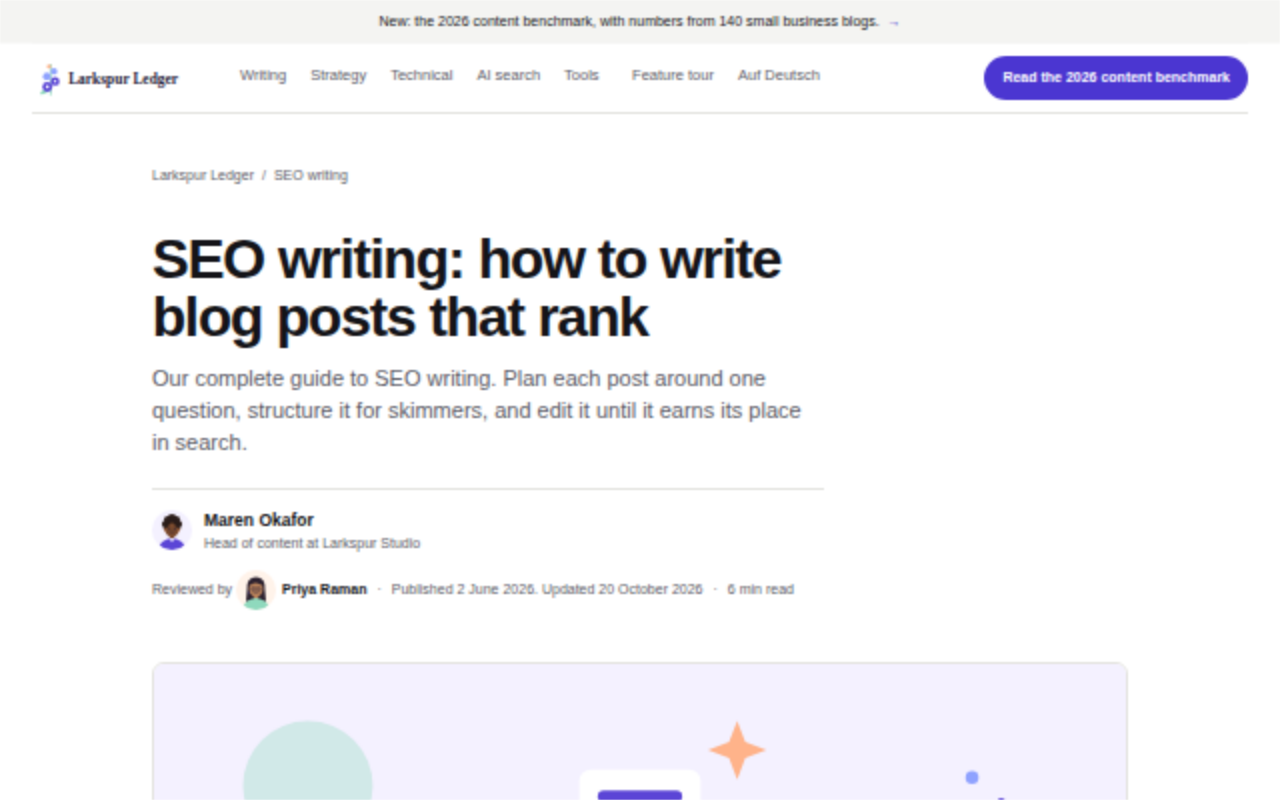
Khalid has eleven looks: Classic, the one every blog starts with, and the ten templates above. Each picture shows that template's demo blog, and each name opens the demo itself. The templates guide on GitHub lists every template's options.
How to choose one
Pick the template whose readers sound like yours, then set its name in site.toml:
[template]
name = "atlas"
You can also pick one on the Look screen of the admin, which shows a preview first. Updating Khalid never changes your template. Every template works with scripts turned off, and every page reads on a phone.
This website wears Atlas, with a few rules of its own in theme/site.css.